Началось!
Поздравляем вас с совершением первого шага на пути к Joxi! Скачивание программы, по идее, уже началось, так что вы можете расслабиться, улыбнуться и приготовиться к работе с нашим волшебным инструментом для обмена визуальными впечатлениями.
Если скачивание по каким-то причинам не началось, щелкните по этой ссылке.
-
2. Установка программы
В открывшемся окне перетащите иконку Joxi на папку «Приложения» (или Applications)
-
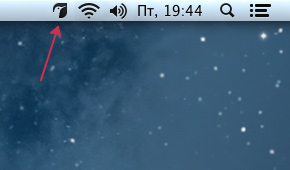
Откройте Launchpad или папку Программы (или Applications)
Запустите Joxi. Если появится предупреждение безопасности, перейдите в Системные настройки > Защита и безопасность и нажмите "Открыть в любом случае"

Что-то пошло не так?
Не переживайте, если у вас возникли какие-то трудности! Напишите нашим специалистам – они вам быстро помогут.